What Is a Lead Capture Landing Page (and Why Most Marketers Get It Wrong)
A lead capture landing page is a dedicated, single-purpose web page designed to do exactly one thing: collect contact information from a visitor in exchange for something they want. That "something" might be a free eBook, a webinar registration, a product demo, or access to a gated report. The exchange is simple — you give value, they give you their details.
What makes lead capture pages different from every other page on your site is focus. A standard homepage has navigation menus, multiple CTAs, blog links, and about pages — all of which bleed attention and dilute conversion. A lead capture page strips all of that away. No exit routes. No distractions. One message, one form, one button.
The problem most marketers run into is treating their lead capture page like a prettier version of their homepage. It's not. A homepage markets your brand. A lead capture page closes a micro-conversion. The moment you add a navigation menu, link to your blog, or put two CTAs on the same page, your conversion rate drops — sometimes dramatically.
Understanding the difference between these two mindsets is the real starting point for building a page that converts.
The Five Elements Every High-Converting Lead Capture Page Must Have
Every successful lead capture page, regardless of industry or offer, is built on the same five structural components. Get all five right, and the page works. Miss one, and conversions suffer in ways that are often hard to diagnose.
1. A Headline That Makes an Immediate Promise
The headline is your first impression and your best sales tool. It needs to communicate the offer in plain language — no clever wordplay, no vague teases. If your ad said "Free Budget Planner Template," your landing page headline should read "Free Budget Planner Template." Not "Take Control of Your Finances." Not "Financial Tips for 2026." The exact same message. This is what marketers call message match, and it's one of the highest-leverage adjustments you can make. Consistent messaging between your ad and your landing page reduces bounce rates because visitors instantly confirm they landed in the right place.
2. A Compelling Value Proposition
Below the headline, you need to answer the visitor's first question: "Why should I care?" Your value proposition isn't a list of features — it's a statement of the specific outcome the visitor gets. "Get 12 fill-in-the-blank email templates that book 30% more sales calls" is a value proposition. "Download our email resource guide" is not. Be specific, be concrete, and be benefit-led.
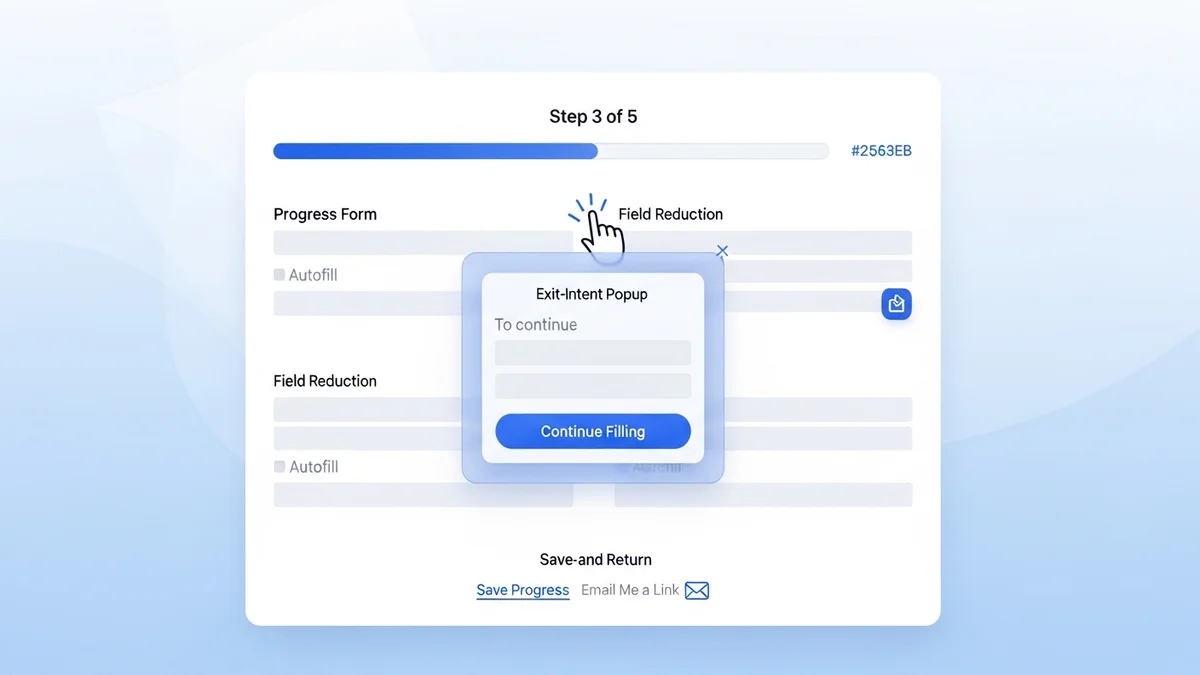
3. A Lead Capture Form That Doesn't Overask
The form is the conversion mechanism, and its design has an outsized impact on completion rates. The rule of thumb is simple: ask for only what you genuinely need. For most top-of-funnel lead gen offers, that means name and email — nothing more. Every additional field you add (phone number, company size, job title) reduces form completion. If you're running a high-intent offer like a product demo request, asking for company name and role is justified. For a free content download, it almost never is.
4. Social Proof That Addresses Skepticism
Visitors who don't know your brand will hesitate before giving you their email. Social proof — testimonials, customer logos, review counts, or download statistics — gives them a rational reason to trust you. "Joined by 14,000+ marketers" is more convincing than any copy you write about yourself. Place social proof near the form, not buried at the bottom of the page where visitors who've already decided not to convert will see it too late.
5. A Single, Unmissable CTA
One page. One goal. One button. Your CTA button copy should reinforce the offer — "Send Me the Template," "Get My Free Demo," "Download the Guide" — not default to generic labels like "Submit" or "Click Here." The button should be visually distinct from everything else on the page. If a visitor has to search for what to click, the page has already failed.
How to Build a Lead Capture Landing Page: Step-by-Step
Knowing the components is one thing. Putting them together in the right order, with the right priorities, is where most builds go sideways. Here's a practical sequence that works.
Step 1: Define the Singular Goal Before You Design Anything
What action do you want visitors to take? Be specific. "Generate leads" is not a goal. "Capture email addresses from paid social traffic in exchange for a 10-page B2B prospecting checklist" is a goal. Your goal determines your form fields, your CTA copy, your headline, and your entire offer structure. Build in that order — goal first, everything else second.
Step 2: Match the Page to Your Traffic Source
A lead capture page doesn't exist in isolation — it's the destination at the end of an ad, an email link, or an organic search result. The page must match the intent and language of the traffic source. Visitors arriving from a LinkedIn ad targeting "B2B sales managers" need a different headline than visitors arriving from a Google search for "free CRM template." Many teams use dynamic text replacement to automatically match the headline to the visitor's search term or ad group — an effective tactic that measurably improves Quality Scores and conversion rates.
Newsletter
Get the latest SaaS reviews in your inbox
By subscribing, you agree to receive email updates. Unsubscribe any time. Privacy policy.
Step 3: Design the Above-the-Fold Section First
Everything visible before the visitor scrolls is your above-the-fold section. This is the highest-value real estate on the page and should contain your headline, a supporting subheadline, and your lead capture form (or at minimum, a CTA button). If a visitor has to scroll to find out what the page is offering or how to take action, you've already created unnecessary friction. Optimize this section ruthlessly — it does the heaviest conversion lifting.
Step 4: Strip Every Navigation Element
Remove your site's header navigation, footer links, and sidebar menus. Every link that takes a visitor off the page is a conversion leak. This is non-negotiable for high-performance lead capture pages. The only acceptable exit from the page should be through the form submission itself. Studies consistently show that removing navigation from landing pages increases conversions — sometimes by 10–25% — simply by eliminating the alternative paths to exit.
Step 5: Load Social Proof Near the Form
Don't relegate testimonials to the bottom of the page as an afterthought. Position at least one strong piece of social proof — a short customer quote, a recognizable logo strip, or a "joined by X users" stat — within the visual proximity of your form. This placement converts skepticism at the exact moment the visitor is deciding whether to fill in their details.
Step 6: Optimize Page Speed Before Launch
Page load speed directly impacts both conversion rates and paid search Quality Scores. A one-second delay in load time can reduce conversions by 7%. Before launching, compress images, minimize JavaScript, and run your page through a speed test. If you're using a landing page builder, check whether it uses a CDN by default — most reputable tools do, but it's worth verifying.
Landing Page Builder Tools Compared
You don't need to build a lead capture page from scratch. Dedicated landing page builders handle the technical and design heavy lifting, letting you focus on copy and offer strategy. Here's how the major players compare on the metrics that matter for lead generation.
| Tool | Starting Price | A/B Testing | Dynamic Text | Best For |
|---|---|---|---|---|
| Unbounce | $99/month | Yes (all plans) | Yes | PPC-heavy teams needing AI copy tools |
| Leadpages | $49/month | Yes | No | SMBs wanting simplicity at lower cost |
| Instapage | $299/month | Yes | Yes | Enterprise teams running personalized ad campaigns |
| HubSpot Marketing Hub | $15/month per seat | Yes (Pro+) | No (native) | Teams wanting landing pages inside a full CRM |
| OptinMonster | $9/month | Yes | No | Adding capture forms to existing sites/pages |
The right tool depends on your traffic strategy. If you're running high-volume paid search campaigns with multiple ad groups, Unbounce or Instapage justify their higher price points through dynamic text and personalization features that directly lift Quality Scores and reduce cost per lead. If you're a smaller team sending warm email traffic to a single offer page, Leadpages at $49/month delivers everything you need without the overhead.
HubSpot Marketing Hub is worth a special mention for teams already using HubSpot's CRM — the seamless lead data flow from form submission directly into contact records without any integration work is a genuine operational advantage that pays for itself quickly at scale.
Landing Page Best Practices That Actually Drive Conversion Rate Improvements
The five core elements get you a functional page. The following best practices are what separate a page that converts at 3% from one that converts at 8–12%.
Use Directional Cues to Point Toward the Form
Human attention follows visual direction. An image of a person looking toward your form, an arrow pointing at your CTA button, or a bold typographic hierarchy that flows naturally down the page toward the form — all of these are directional cues that guide the eye without the visitor realizing it. Pages that use deliberate directional design consistently outperform those that don't, because they reduce the cognitive work required to figure out what to do next.
Optimize for Mobile as a First Priority, Not an Afterthought
Depending on your traffic source, 50–70% of your landing page visitors are arriving on mobile devices. Designing for desktop first and then "making it responsive" is the wrong approach. Design mobile first — prioritize thumb-friendly tap targets, stack your form fields vertically, ensure your headline is readable without zooming, and test the form completion flow on an actual phone before launch. A page that looks great on desktop but frustrates mobile users loses the majority of its potential leads before the form is even reached.
Run A/B Tests Continuously, Not Once
A/B testing is not a launch activity — it's an ongoing practice. Start by testing the highest-impact elements: headline copy, CTA button text, and form field count. Run each test until you reach statistical significance (typically 100+ conversions per variant), then implement the winner and move to the next variable. The compounding effect of continuous testing — even marginal gains of 5–10% per test — produces dramatically better conversion rates over six to twelve months than a single "optimized" page that's never revisited.
Keep Copy Clear, Not Clever
Landing page copy is not the place for brand voice experimentation or creative ambiguity. Visitors arrive with a specific intent triggered by your ad or link, and they need to confirm within three seconds that they're in the right place. Clear beats clever every time. Use plain language. Use short sentences. Use bullet points to communicate benefits, not paragraphs. Every word on the page should either reinforce the offer or move the visitor toward the form — if it does neither, cut it.
What Happens After the Lead Is Captured
Building a high-converting lead capture page is the beginning of the lead generation process, not the end. What happens immediately after the form submission — the thank-you page, the follow-up email sequence, and the CRM workflow — determines whether the leads you worked hard to capture actually convert into customers.
Your thank-you page should confirm the exchange (deliver the promised asset or set clear expectations for next steps), introduce a secondary CTA (a case study, a related offer, or a meeting booking link), and set the tone for the relationship you're beginning. It's one of the most underused conversion surfaces in most lead generation programs.
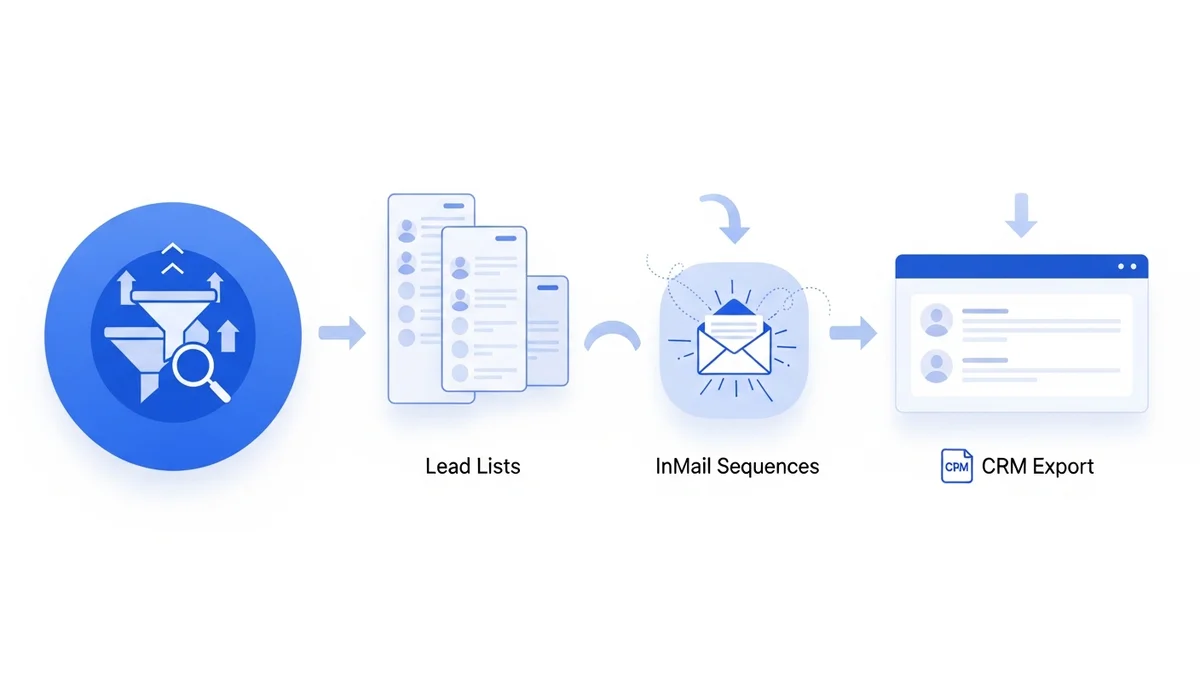
On the data side, make sure every lead captured flows immediately into your CRM with proper source attribution. If you're using a tool like Leadfeeder, you can layer in company-level identification on top of your form submissions — giving your sales team richer context about who just converted before they make the first outreach call.
The best lead capture pages aren't just technically well-built — they're the entry point to a deliberate, well-sequenced follow-up system. Build the page to convert, then build the system to close.